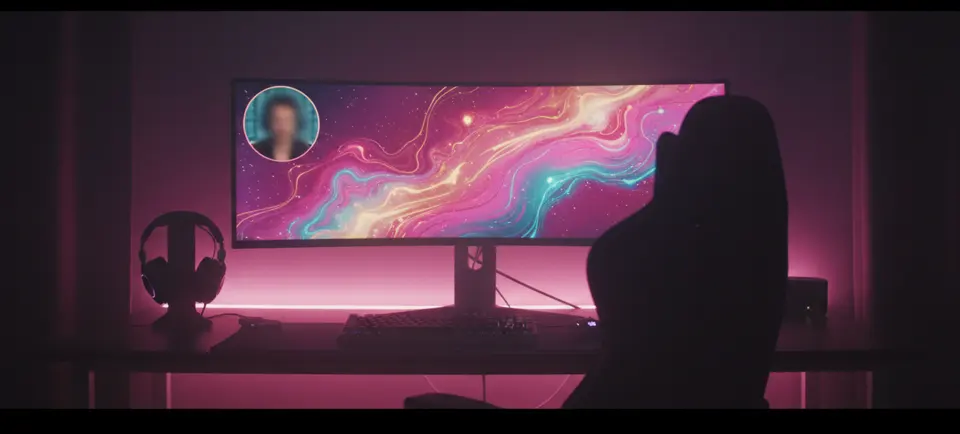
Hours become minutes
Instead of rewatching a full stream, review a short list of scored candidate moments and pick the keepers.
GPT-Video is a stream clipper and highlight video maker. Upload a Twitch or other stream recording and get vertical highlight clips with titles and captions.
Workflow
Upload the recording file of your stream. GPT-Video transcribes the whole broadcast so every moment becomes searchable.
Explainable scoring flags the moments with the strongest hooks and reactions, and tells you why each one was picked.
Each highlight is reframed to 9:16 with face tracking, topped with a bold title and animated captions, and exported ready to post.
Why it matters
Instead of rewatching a full stream, review a short list of scored candidate moments and pick the keepers.
Face detection keeps you centered when the widescreen stream is cropped to vertical.
A bold headline and animated captions give each highlight the packaging vertical feeds reward.
Yesterday's broadcast becomes today's clips, so your channel has new posts on TikTok, Reels and Shorts between live sessions. You post the exported files yourself.
A stream clipper finds the best moments in a stream recording and cuts them into short clips. GPT-Video does this from a VOD file you upload and exports vertical 9:16 clips with a title and captions.
GPT-Video works as one. It transcribes the stream recording you upload, scores segments for hooks and reactions, and cuts vertical highlight clips with a title and animated captions. You review the list and export the clips you want.
Upload the recording, review the moments GPT-Video flags as highlights, and export the ones you want as vertical 9:16 clips with captions. You upload a video file, since GPT-Video does not import from a link, and you post the exported clips yourself.
Save the recording of your stream, upload the file to GPT-Video, review the scored moments and export the ones you want as vertical clips. GPT-Video does not import from Twitch, so you upload the file yourself.
No. GPT-Video works on a recording you upload after the stream ends. It does not clip live streams and it does not connect to Twitch or to your social accounts.
The full VOD is transcribed, then segments are scored for hooks, reactions and self-contained moments. Each suggestion explains its score so you can judge it at a glance.
Yes. Horizontal VODs are auto-reframed to vertical with face tracking, so your camera stays in the shot after the crop.
Vertical 9:16 MP4s with a title bar and animated captions rendered in — formatted for TikTok, Instagram Reels and YouTube Shorts.
Yes. Trim the cut, change the title or restyle the captions, directly or by describing the change to the Editor Assistant in chat. Every change can be undone.
Create an account and use Stream Clipper and Twitch Highlight Video Maker when GPT-Video opens.
Plans from $19 a month. Cancel any day, keep the month.