
CHEAT AT YOUR WORK 
YOU CAN WORK FOR FREE 
CHATGPT BUT FOR VIDEO 
FIRE YOUR EDITOR 
POST WHILE YOU SLEEP 
TIMELINES ARE DEAD 
NOBODY WATCHES LONG VIDEOS 
YOUR COMPETITOR ALREADY KNOWS


DESCRIBE THE VIDEO.GPT-VIDEO EDITS IT.
ChatGPT changed how you write. GPT-Video changes how you edit: the vibe editing tool for content creators, video editors and clippers — describe the edit, get viral-ready clips, and grow your audience clip by clip.
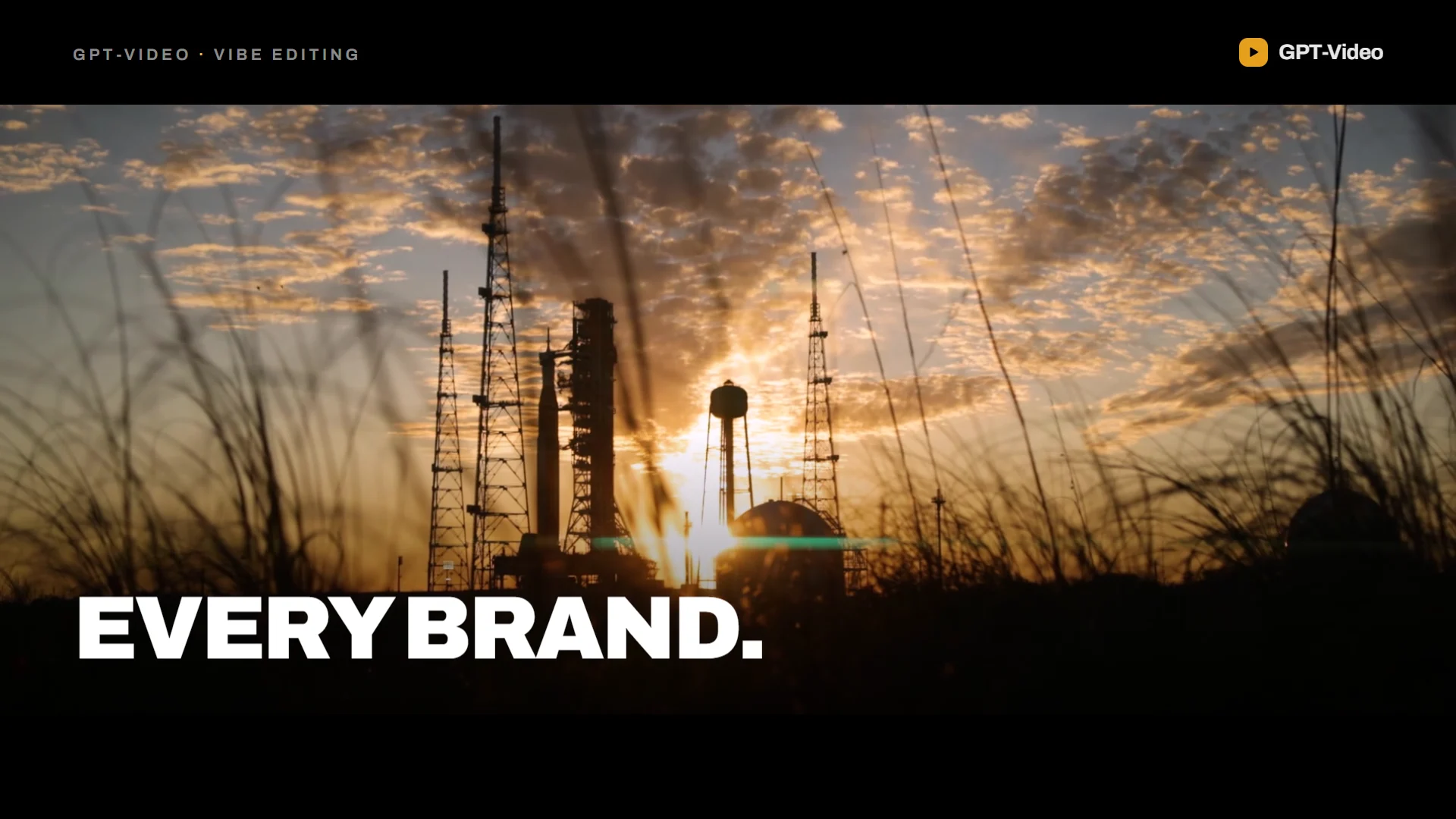
Vibe editing
Direct the edit AI agent
No timeline, no keyframes. Write what you want changed, and the Editor Assistant plans the edit, runs it on your footage and lets you undo any step.
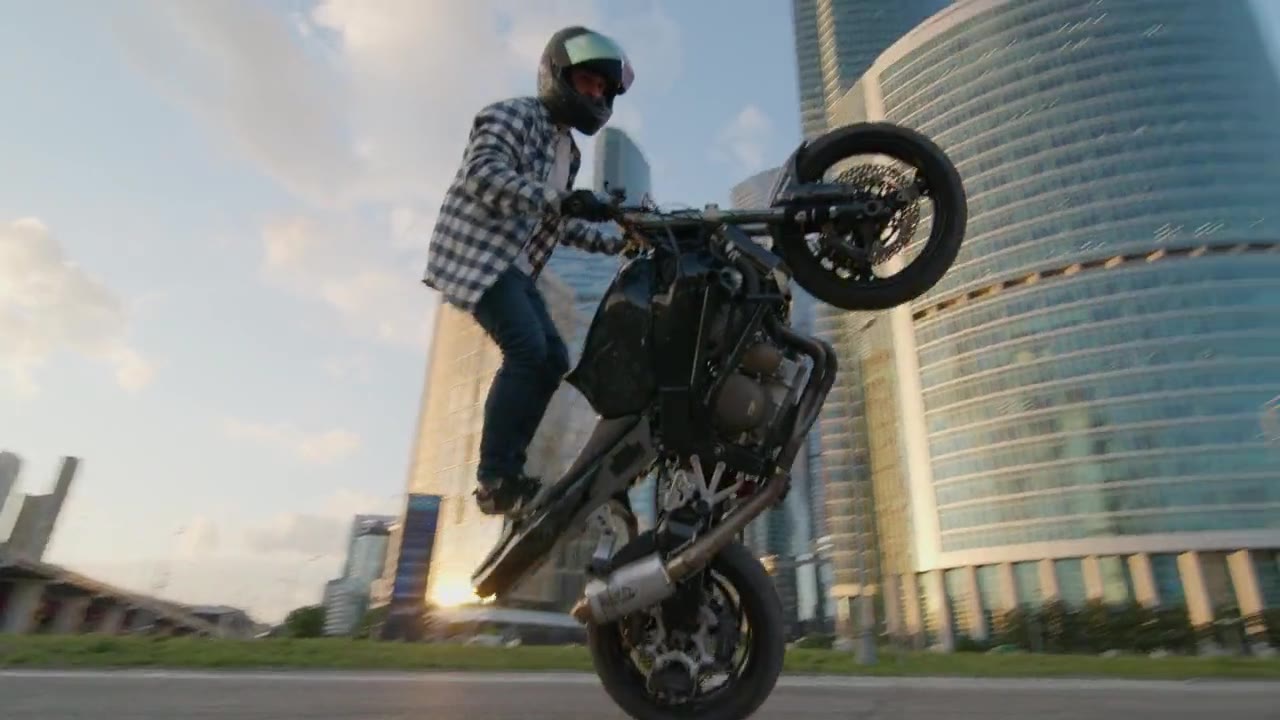
Type your own edit and press Enter — we set up your account and get out of the way.
Footage: Anastasia Shuraeva on Pexels. The edits replay the room's own tools.
Clip · Caption · Reframe
Three jobs, one editor
The three things every long video needs before it can be posted. Pick a tab to watch each one run on real footage.
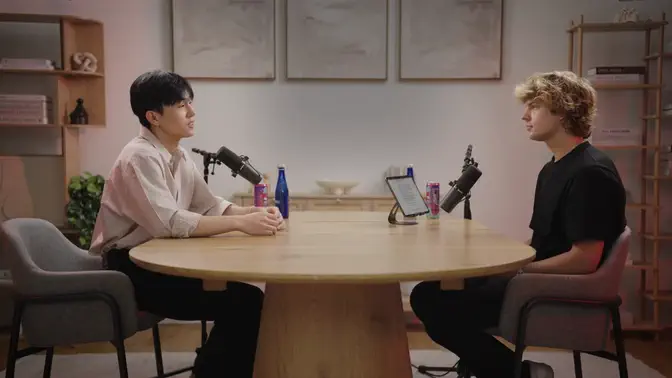
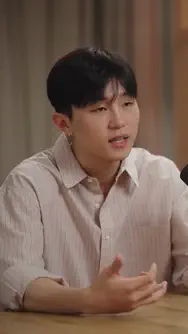
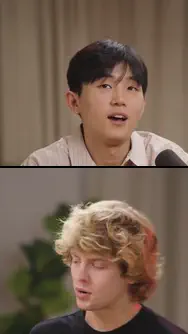
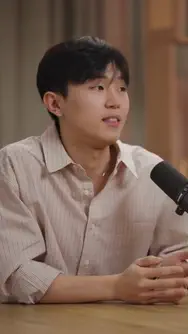
Auto clip
From one long video to a board of clips
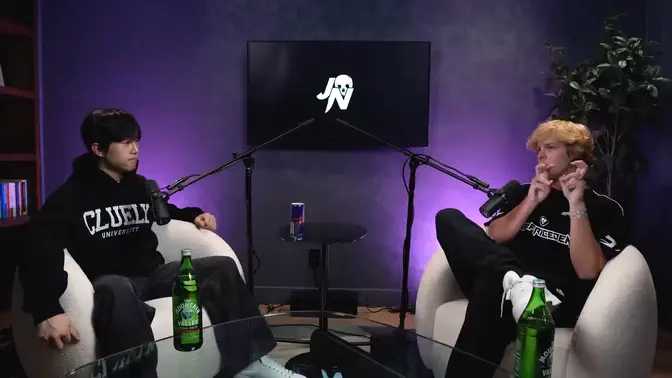
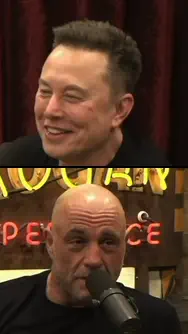
Drop in a podcast, an interview or a stream VOD. GPT-Video (gpt-video.com) transcribes every word, scores the moments most likely to travel and lines them up as ready-to-post vertical clips.
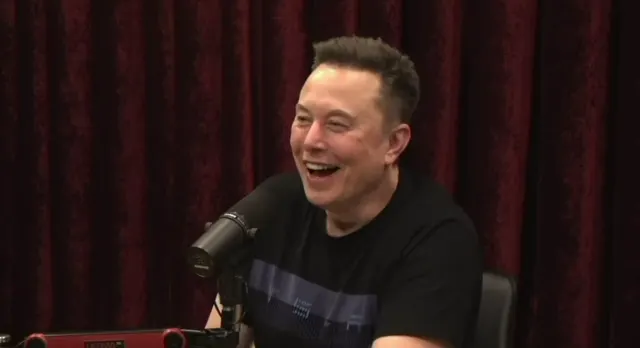
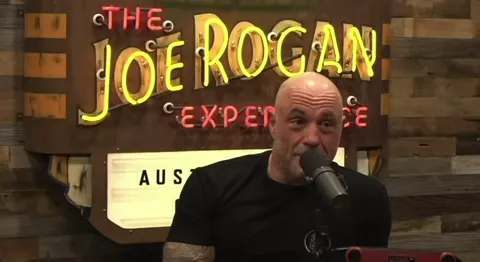
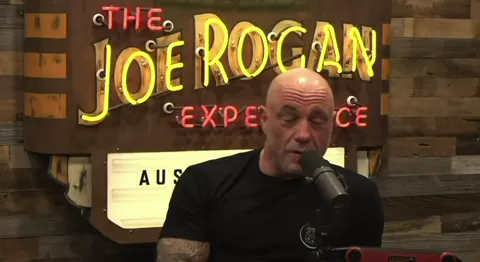
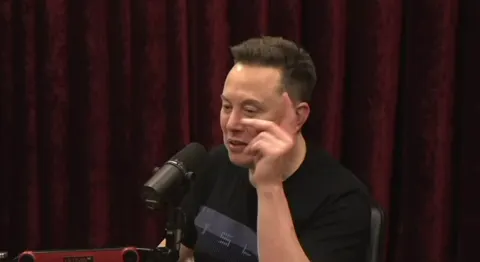
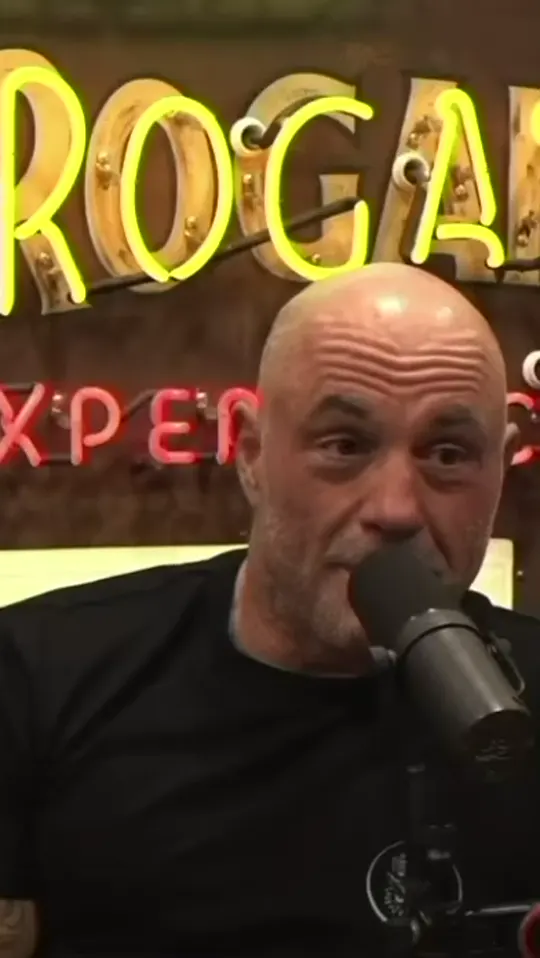
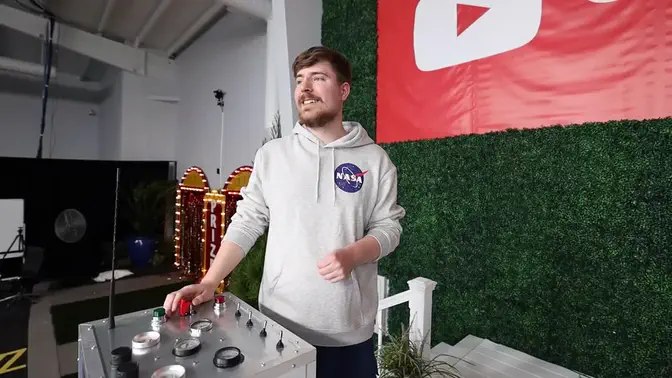
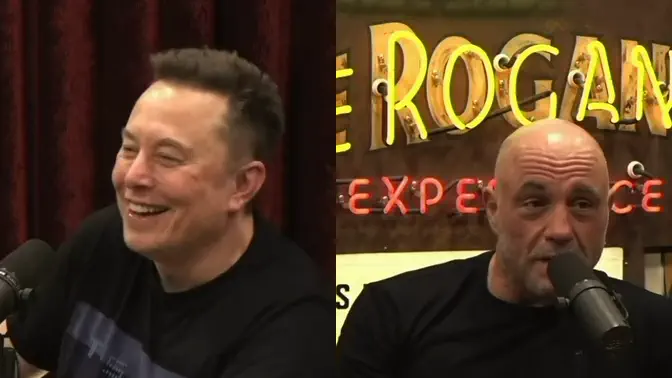
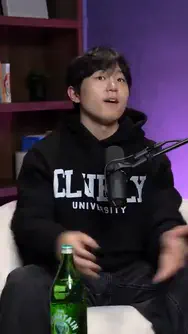
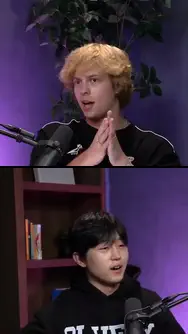
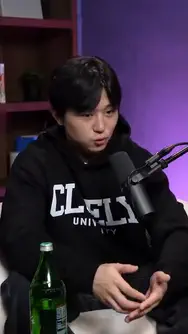
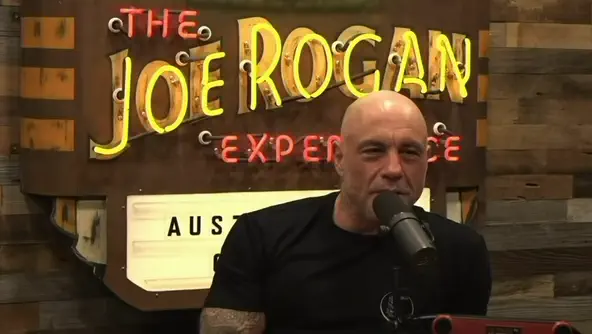
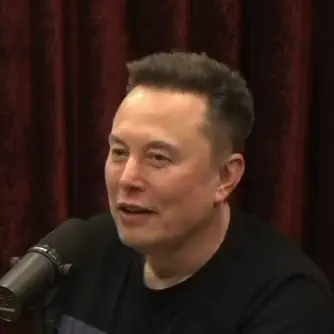
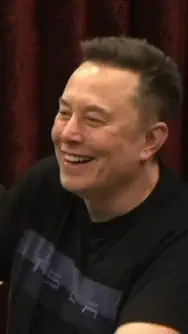
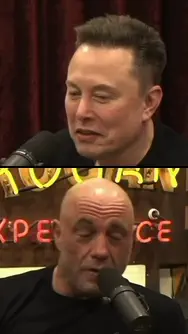
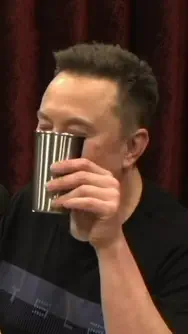
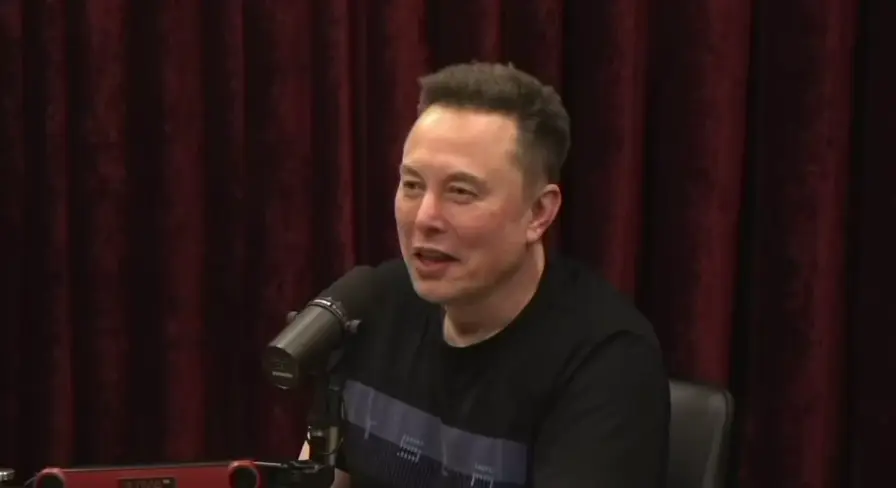
A real run, not a mockup: a Joe Rogan Experience segment with Elon Musk, transcribed, scored and cut by GPT-Video. The cards are its actual output.
- Explainable scoring — every clip lists the reasons it was picked
- Built for hour-plus recordings, not pre-cut snippets
- Accept, trim or reject: you stay the editor
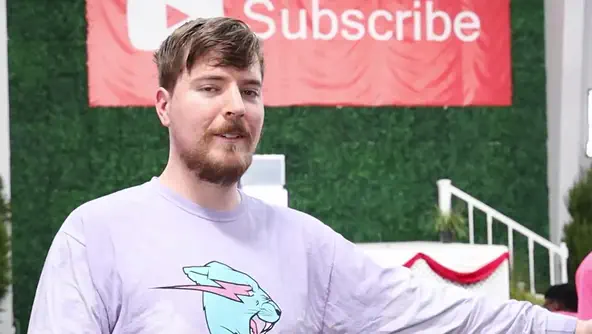
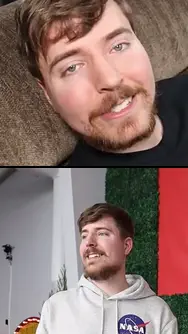
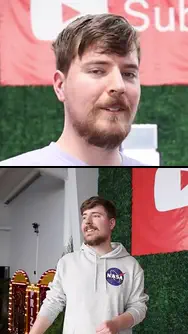
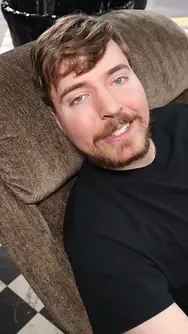
The clips are an illustration. MrBeast is not affiliated with GPT-Video and does not endorse it. Photos: frames of a YouTube video by Fidias, CC BY 3.0, via Wikimedia Commons — cropped, with titles and captions added. Source · Licence
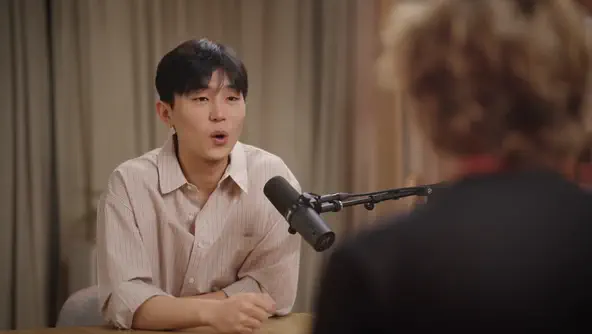
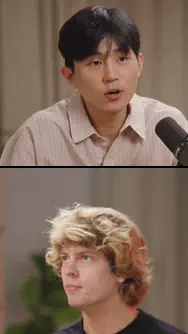
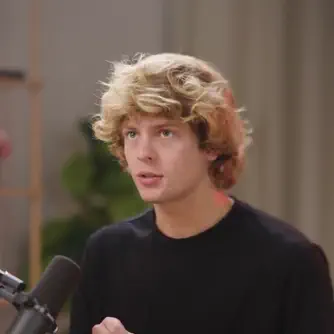
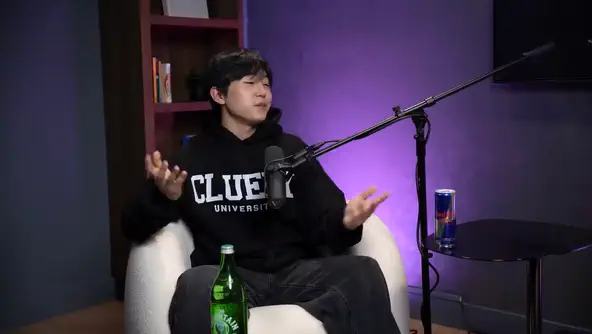
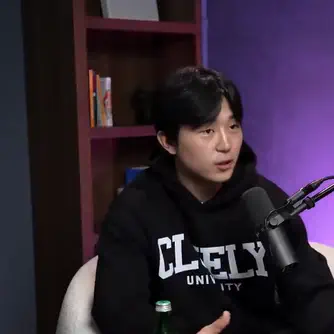
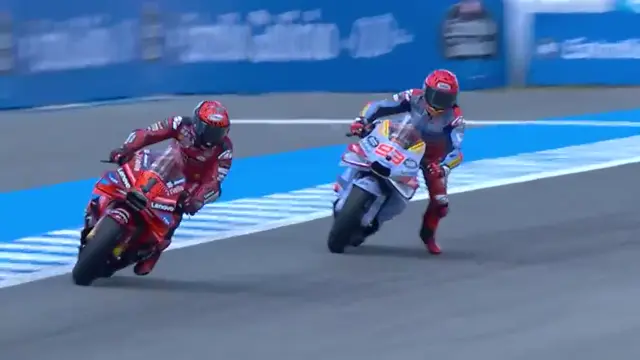
Stage footage: frames of the Jack Neel podcast with Roy Lee, of The Joe Rogan Experience #2404 with Elon Musk and of MotoGP's 2024 Spanish GP race highlights, cropped; MrBeast frames as credited above. The stage is an illustration. Roy Lee, Jack Neel, Joe Rogan, Elon Musk, Marc Márquez, Francesco Bagnaia and MotoGP are not affiliated with GPT-Video and do not endorse it.
Native formats
The viral formats, native
Fake text conversations, narrated Reddit-style stories and split-screen videos are first-class formats here — text in, finished 9:16 video out.
Fake text chats with animated bubbles and AI voices
Write or generate the conversation; the bubbles pop in on beat, each side gets its own voice, and the result is a finished vertical story.
Reddit story narration with captions and background footage
Paste a story, pick a voice: the post card sits on top, the narration is captioned word by word, and gameplay keeps the thumb still.
Split screens that stack your clip over gameplay
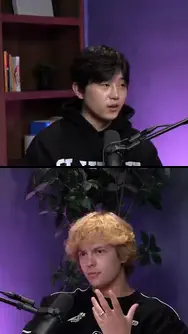
Your talking-head clip on top, a second video below, captions in the middle band — the retention layout, with no manual layering.
How it works
Three steps to posted
Import
Upload a long video — a podcast, an interview, a stream VOD. GPT-Video transcribes every word and gets to work.
Direct with prompts
Describe what you want in plain English: find the viral moments, caption them, split-screen them. The AI plans the edit and applies it.
Export everywhere
Approved clips come out vertical at 9:16 with captions rendered in — ready for TikTok, Instagram Reels and YouTube Shorts.
Free tools
Free video tools
Convert, trim, compress, resize and caption video with 15 tools that run on your own device. Your files never leave it.
- Free
- No sign-up
- No watermark
- Runs in your browser
Video to MP3
FreeSave the soundtrack of any video as MP3, WAV or M4A, whole or just one section.
Video Resizer
FreeReshape a video to 9:16, 1:1, 4:5 or 16:9: crop and position it, or fit it over blurred bars.
Silence Remover
FreeFind the pauses in a video or voice recording, see them on a waveform and cut them all in one export.
Subtitle Converter
FreeSRT to VTT, VTT to SRT or plain text, with a millisecond timing shift and checks for overlapping cues.
Video Compressor
FreeShrink a video to an exact size in MB or to a quality level, with the bitrate worked out for you.
Video Converter
FreeMOV, MKV and WebM to MP4, or MP4 to WebM: streams copied without re-encoding when the file allows.
Video Trimmer
FreeCut a video's start and end to the exact frame, or copy the part you keep as is from a key frame.
Video to GIF
FreeTurn up to 20 seconds of any video into a looping GIF, with the file size estimated before you make it.
Subtitle Burner
FreeHardcode an SRT or VTT file into an MP4, with a preview of every caption on your own frames.
Green Screen Remover
FreeKey out a green or blue backdrop and put a color, a picture or transparency behind the subject.
Video Rotator
FreeTurn a video 90, 180 or 270 degrees and mirror it, starting from the orientation it already has.
Remove Audio from Video
FreeStrip the soundtrack out of a video, with the picture copied rather than compressed again.
Video Splitter
FreeCut one video into several files: equal parts, or a new file every minute.
Text on Video
FreeType a title, a hook or a credit onto your clip and export the MP4, with no watermark.
Safe Zone Checker
FreeSee what TikTok, Reels and Shorts cover with their buttons, drawn over your own frame.
FAQ
Questions, answered
Prices and plans are on the pricing page. The browser tools have their own answers on the free tools page.
What is GPT-Video?
GPT-Video (gpt-video.com) is the GPT of video editing — a vibe editing tool built on the ChatGPT idea: you describe what you want, it does the work. It turns one long video, such as a podcast, an interview or a stream, into short vertical clips for TikTok, Instagram Reels and YouTube Shorts. It picks the moments, shows why each clip was picked, adds captions and reframes the picture on the speaker's face. It also makes split screen videos, fake text message videos and narrated story videos with AI voices. To change a clip, you describe the change in a chat with the Editor Assistant, and every edit can be undone. GPT-Video is an independent product and is not affiliated with OpenAI.
Is GPT-Video the same as Video GPT or VideoGPT?
No. GPT-Video is a separate product with its own website, gpt-video.com. “Video GPT” and “VideoGPT” are names that other companies use for their own AI video tools. Our name is written with a hyphen, and people also search for it as GPTVideo or GPT Video. Those spellings all mean this product.
Does GPT-Video generate videos from a text prompt?
GPT-Video edits videos you already have: it cuts a long video into clips, adds captions, reframes the picture and builds split screens. Two formats start from text you write: fake text message videos and narrated story videos put your text, captions and an AI voice over a background video.
Do I need editing skills?
No. Clip selection, reframing, captions and rendering are automated, and any adjustment can be described in chat — the Editor Assistant applies it for you. You approve the result; nothing publishes without you.
Which platforms and formats are supported?
Exports are vertical 9:16 MP4s with animated captions rendered in — the native format for TikTok, Instagram Reels and YouTube Shorts.
How do I start?
Create an account, upload a long video and pick the clips you want. Clips use credits; plans start at $19 a month.
Is my footage private?
Yes. Your uploads are used only to process your own edits. They stay yours and are never shared with other users.
Featured on




MAKE IT GO VIRAL.
Make an account, pick a plan, and describe your first cut in plain English.
Plans from $19 a month. Cancel any day, keep the month.